
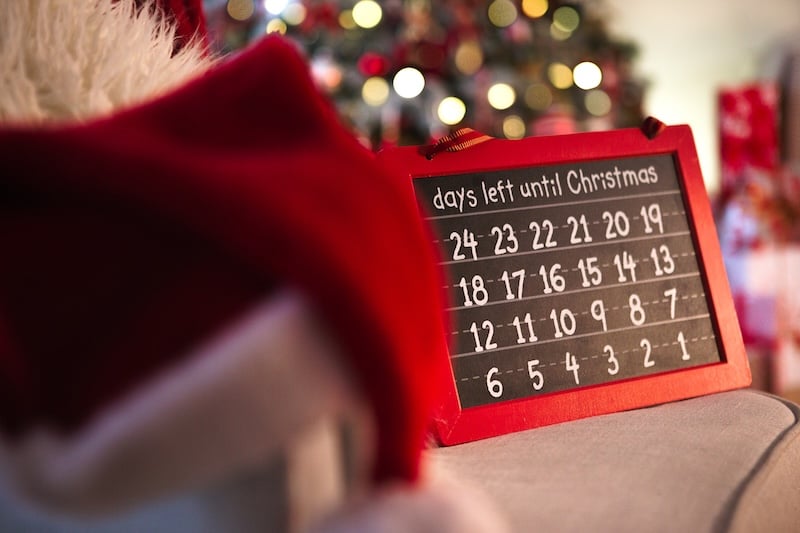
Every year, I count down the days until Christmas with sticky notes on my sliding glass door. And every year I peel one off and wish there were a more modern way to do it. If you want a decorative digital alternative to handwritten countdowns, then one of these free apps is essential. I put five Christmas countdown apps to the test on both iPhone and Android and found the top three that are fun to open every morning until Santa arrives.
Christmas Countdown (2026) is my favorite app for iPhone this year because you can customize almost everything, and Christmas Countdown: Daysie is the best pick for Android users who want a countdown without ads on the main screen.
Quick glance at the best Christmas countdown apps
| App | Best for | Available on | Countdown units |
|---|---|---|---|
| Christmas Countdown (2026) | Customizing your countdown screen | iPhone, iPad | Days, hours, minutes, and seconds |
| Christmas Countdown! | Counting down in sleeps, heartbeats, and breaths | iPhone, iPad | Weeks, sleeps, hours, minutes, seconds, heartbeats, and breaths |
| Christmas Countdown: Daysie | Realistic scenes without ads on the countdown screen | Android | Days, hours, minutes, and seconds |
My top features in a Christmas countdown app
Whether you're counting down with your kids or just getting yourself in the holiday mood (like myself), a good Christmas countdown app needs to:
- Show the countdown in a way that's fun to check.
- Play festive music (that you can pick and control).
- Keep ads out of the way.
The countdown itself is the easy part, since every app on this list can tell you how many days are left until Christmas. What makes one app better than another is the surrounding elements, like the characters, scenes, and features you can change.
I didn't think music would be a crucial element of these apps (specifically the ability to change or turn it off). But if you download an app where you can't alter the melody coming out, your app can quickly become a musical birthday card that doesn't stop and ends up ripped in the trash.
And since a lot of kids end up using these apps on a parent's phone, I also checked how each app handles ads and your data.
The best Christmas countdown apps (for both iPhone and Android devices)
Christmas Countdown (2026): Customize everything, down to the snowflakes
4.5 out of 5 overall
- Customizing your snow, characters, and music
- Opening a daily advent calendar surprise in December
- People who care about privacy
Christmas Countdown (2026) is available on iPhone and iPad, and it lets you customize nearly every part of the countdown screen.
Christmas Countdown (2026) is a snowy countdown app with an advent calendar built in. Starting December 1, you open a new gift each day and get a Christmas-themed photo you can set as your wallpaper, along with ideas to help you get into the holiday mood. Plus, you can rest assured your data is safe since this app doesn't collect any personal information.
Images: Jessica Santero | WhistleOut
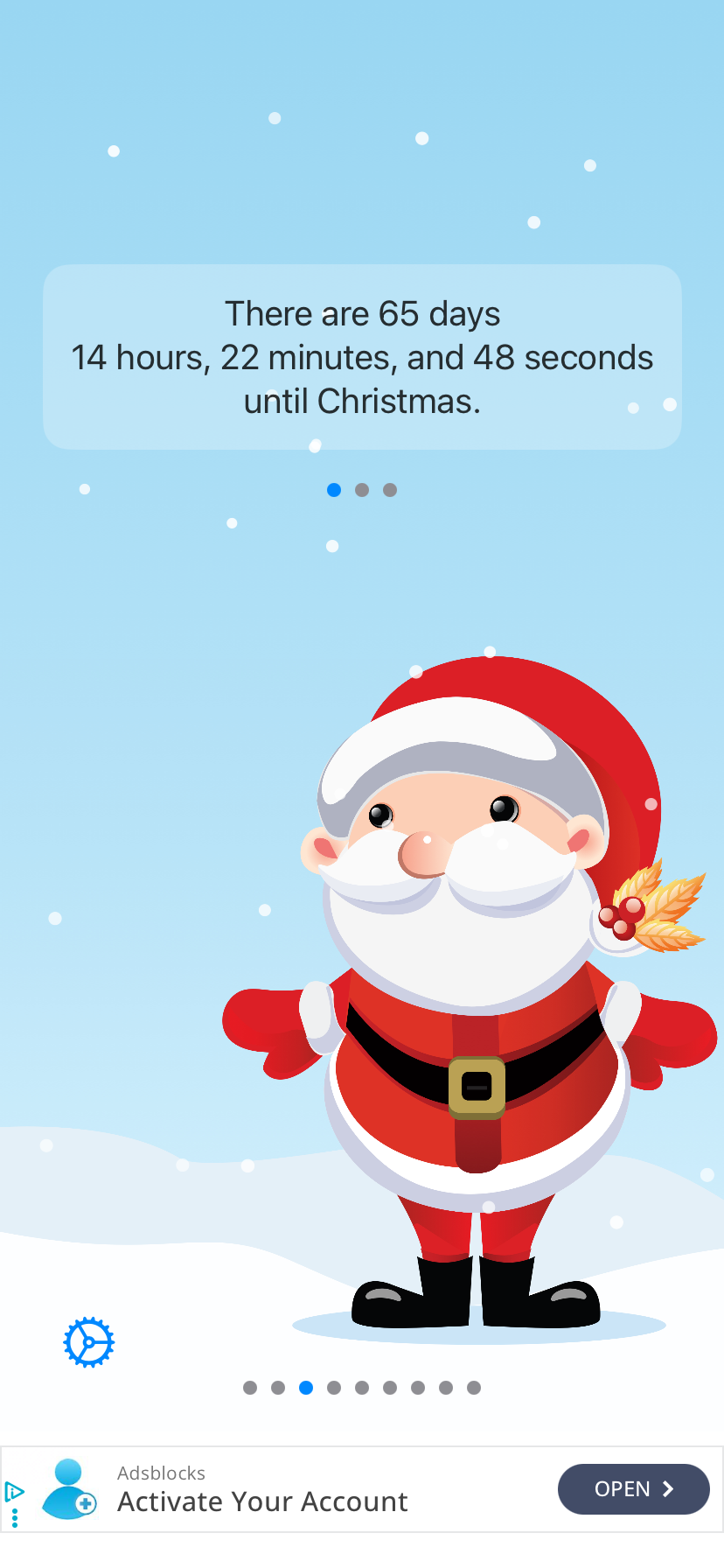
The first thing I noticed when I opened the app was the adorable animation on my iPhone 11's screen. There were little snowflakes falling across the screen the whole time. The background music was also really nice as an instrumental version of "Silent Night."
But the stars on screen are the character emojis. You can choose between Santa, a gingerbread man, an elf, a penguin, a nutcracker, and a Christmas tree, or you can pick your own custom image in the settings.
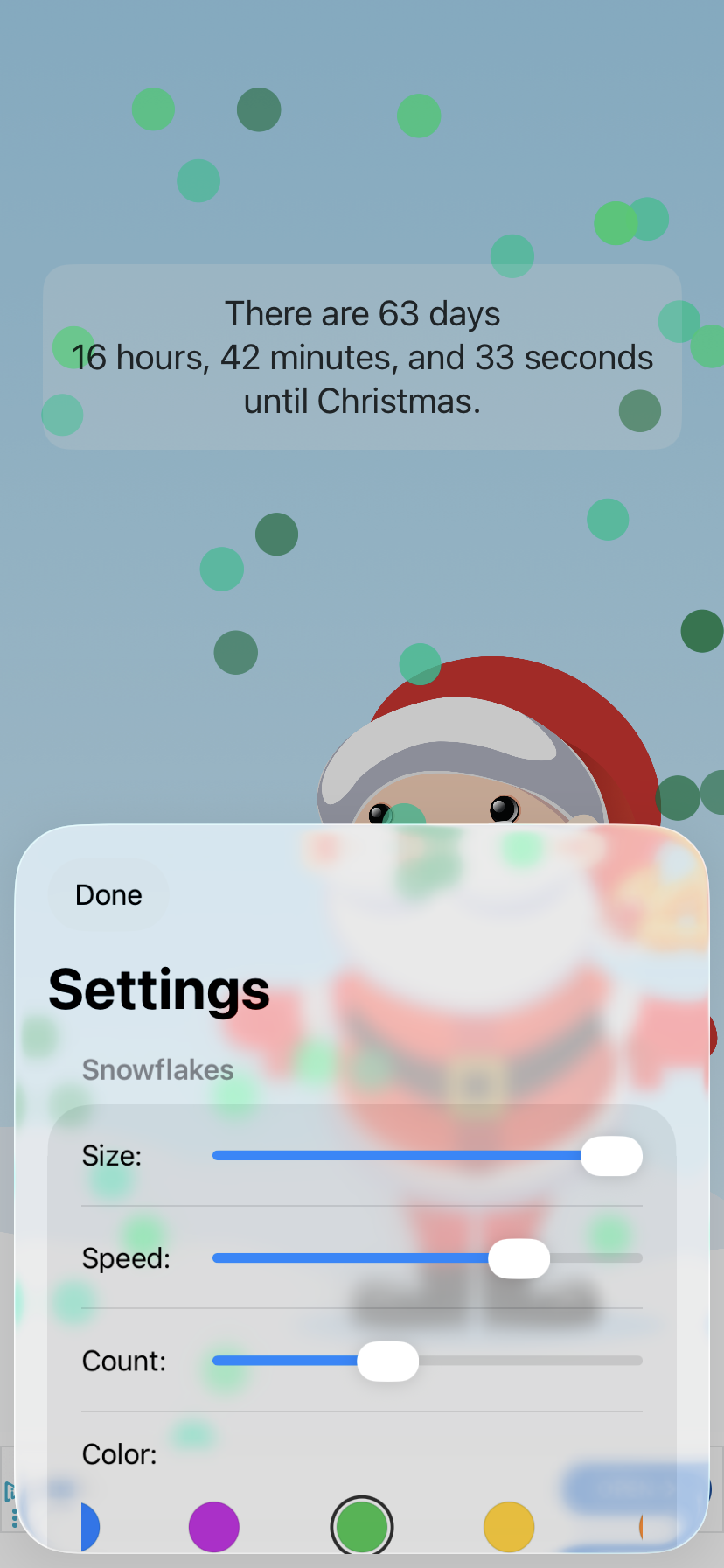
Speaking of customization, this app is all about personalization. You can change the size of the snowflakes that fall across the screen, how fast they fall, and how many there are. Basically, you can decide if you want a light sprinkling of snow or a full-on blizzard. And if you're tired of snow-white flakes, you can change the snowflake color to make them look like sparkles or glitter. The music is customizable too, so you can pick specific songs or turn the music off completely.
Images: Jessica Santero | WhistleOut
My only gripe with this app is that you can't change the countdown measurements. The app always shows days, hours, minutes, and seconds until Christmas, and the text is a bit small. But if you don't care how many nights of sleep there are until Christmas, it shouldn't be a problem. The ad banner at the bottom of the screen also stays out of the way and isn't that noticeable.
Give the kids their own countdown
If your kids keep borrowing your phone to check how many sleeps until Christmas, it might be time for them to have a phone of their own. A kid-friendly phone lets them open their favorite countdown app whenever they want, and adding them to a family phone plan is usually cheaper than paying for a separate line. Most carriers lower the price per line as you add more people, so one plan for the whole household often costs less than individual plans.
Compare the most popular four-line family plans for maximum savings.



Christmas Countdown!: Count down in sleeps, heartbeats, or breaths
4 out of 5 overall
- Counting down in sleeps, heartbeats, or breaths
- Sharing your countdown on social media
- Listening to Christmas music while you wait
Christmas Countdown! is available on iPhone and iPad, and it offers more ways to measure your countdown than any other app.
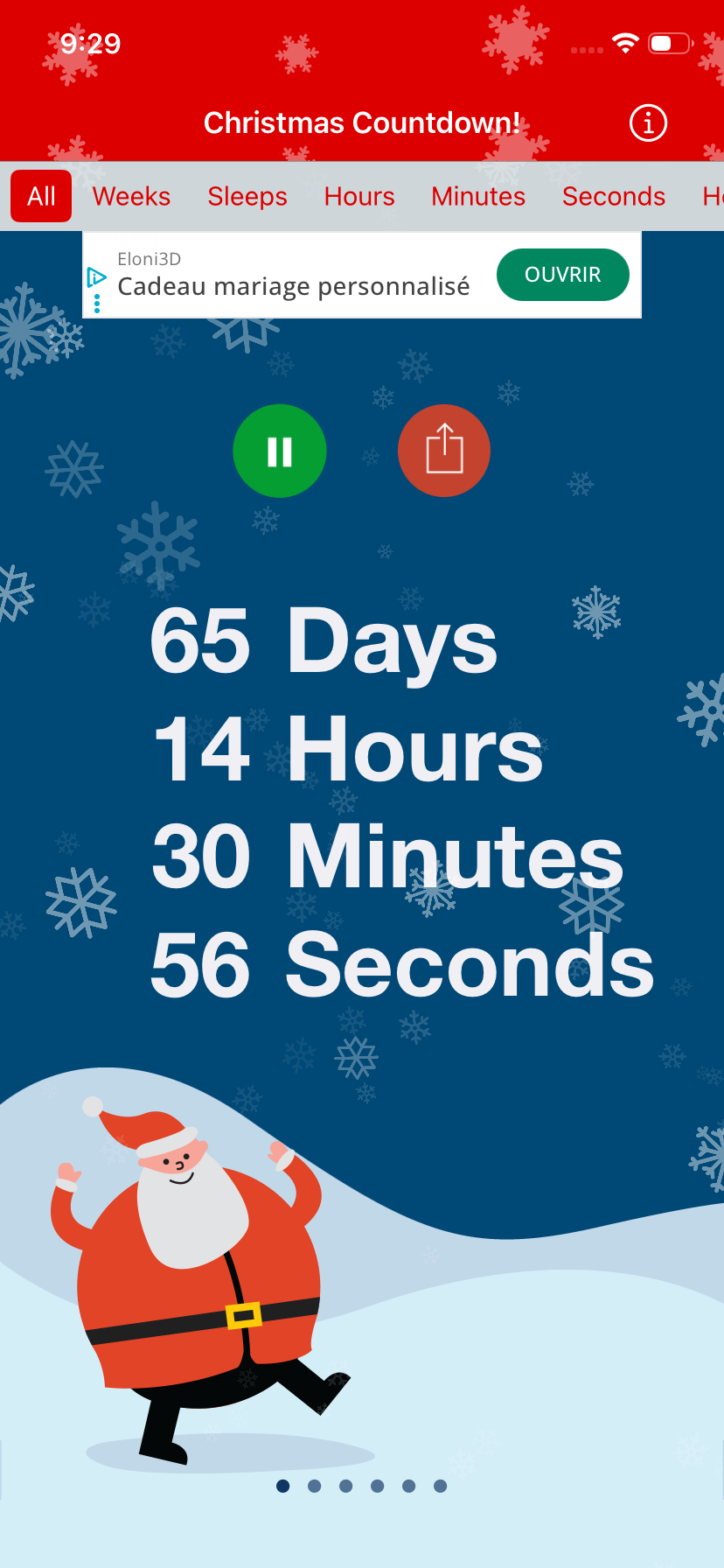
Christmas Countdown! is a seasonal app you can download to see exactly how much longer you have to wait until Christmas. You can measure your countdown in weeks, sleeps, hours, minutes, seconds, heartbeats, or breaths, or you can see them all at once. I love the fact that the countdown is the main feature on the screen with a bold, big font.
Images: Jessica Santero | WhistleOut
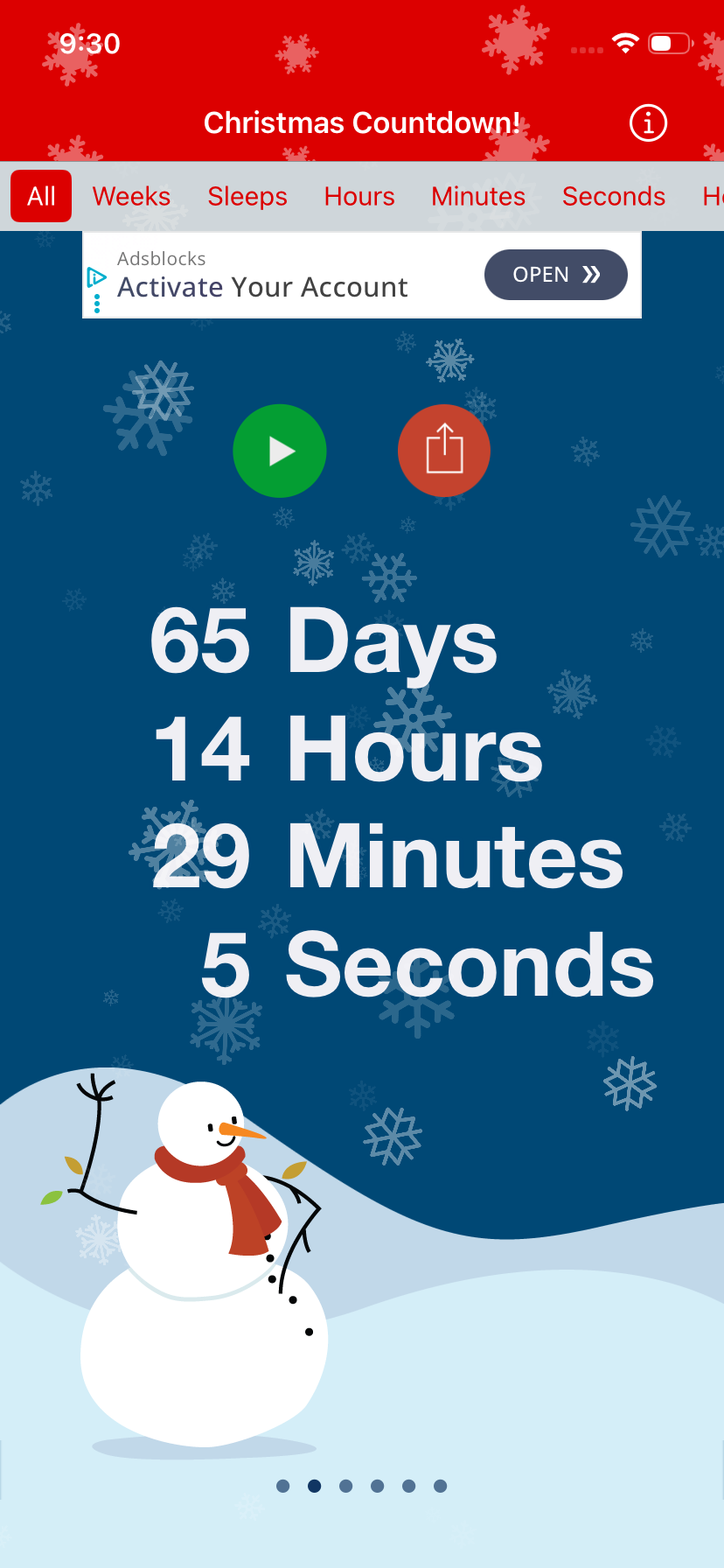
This app has more traditional Christmas-carol melodies that sound like they could be played on a kid's toy piano (in a pleasingly nostalgic way). You can also switch the little drawing at the bottom of the screen between a really round Santa Claus, a dancing Christmas tree, Rudolph, a little bird, or a person skating. Also, if you want to share your excitement, you can share a screenshot of the countdown across different platforms.
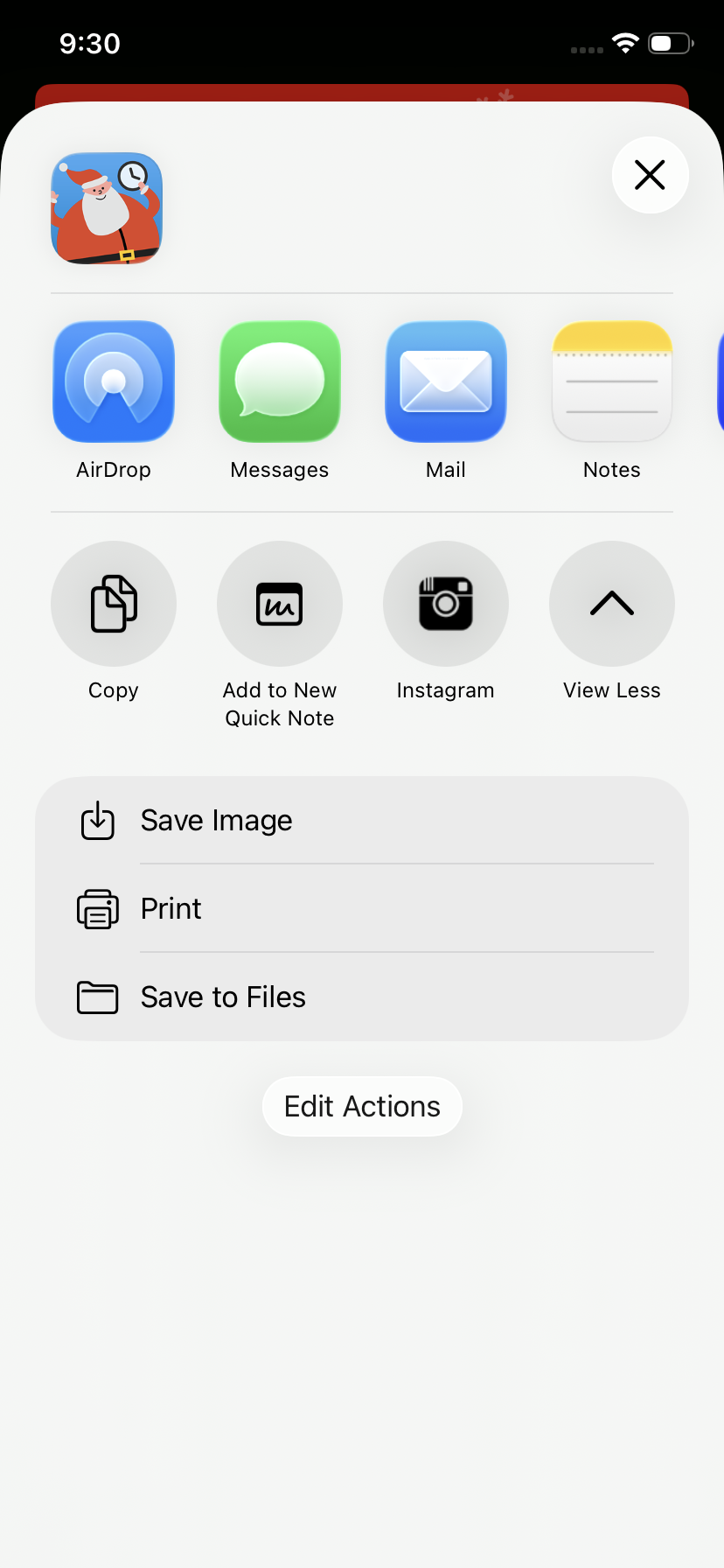
Image: Jessica Santero | WhistleOut
The biggest drawback of this app is the number of ads. There's a constant banner at the top of the screen, which isn't too annoying on its own. But every 10 taps on your screen, you get a full-screen ad, and you have to wait for the extra pop-up to finish before you can close it.
If you worry about privacy when it comes to apps, the App Store listing says the developer may use location, identifiers, usage data, and diagnostics to track you across other companies' apps and websites. If your kids use your phone, that's something to keep in mind.
Christmas Countdown: Daysie: Realistic Christmas scenes with free games included
4 out of 5 overall
- A clear countdown with soothing music
- Traditional Christmas scenes instead of cartoon characters
- Playing Christmas games while you wait
Christmas Countdown: Daysie is available on Android, and it's the only app that has built-in Christmas games.
Christmas Countdown: Daysie is very different from the other countdown apps I tried. Instead of emoji-style, cutesy characters, it uses fuller Christmas scenes, like a cottage on Christmas Eve, a warm evening by the tree and the fireplace, a winter village, and a magical Christmas tree. You can most certainly tell some of the images are created with AI, and every scene has its own enchanting elements.
Images: Jessica Santero | WhistleOut
The countdown sits at the bottom of the page and shows days, hours, minutes, and seconds, which is the only way to measure it. You can also open a calendar view that shows the days leading up to Christmas, with the big day marked in red. And if you want to change the music, you can choose from a list of carols.
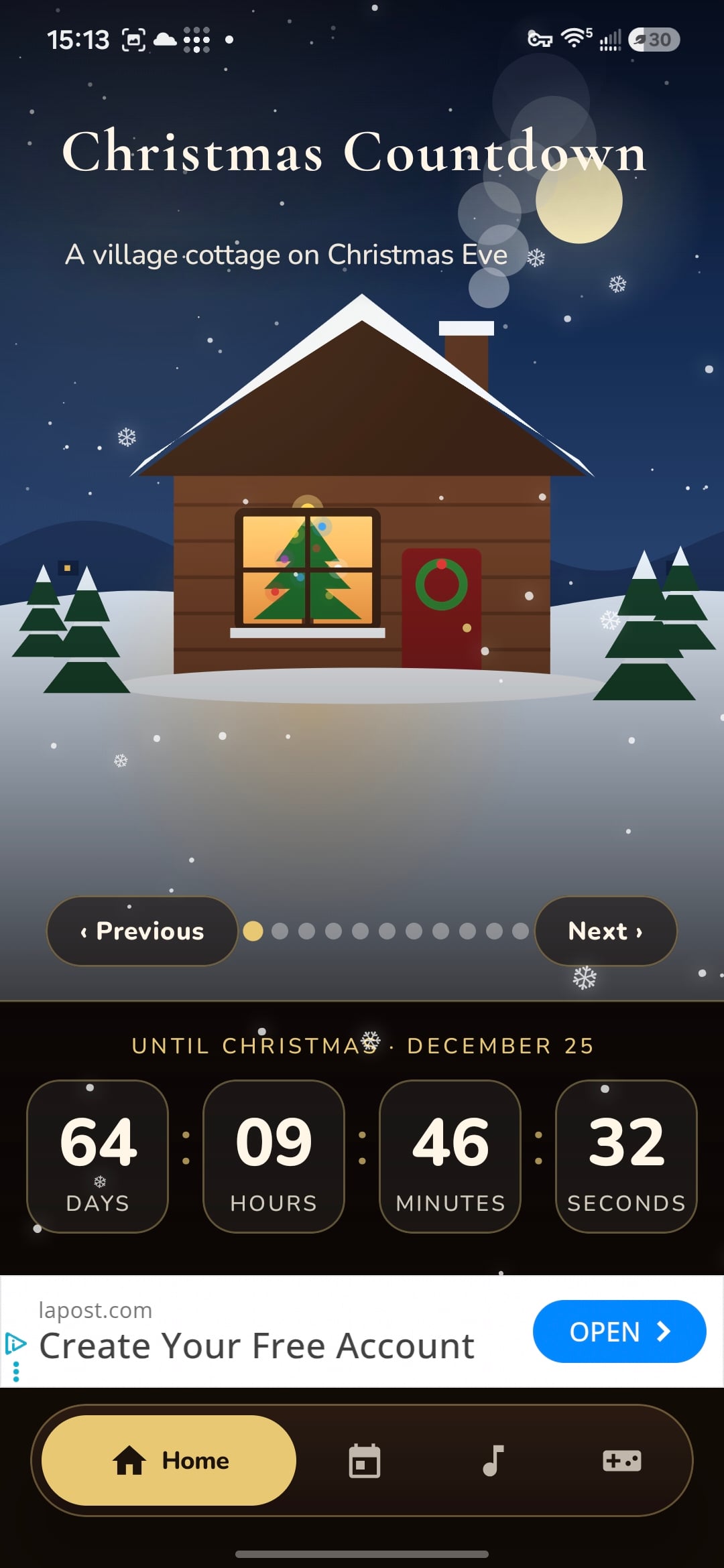
Image: Jessica Santero | WhistleOut
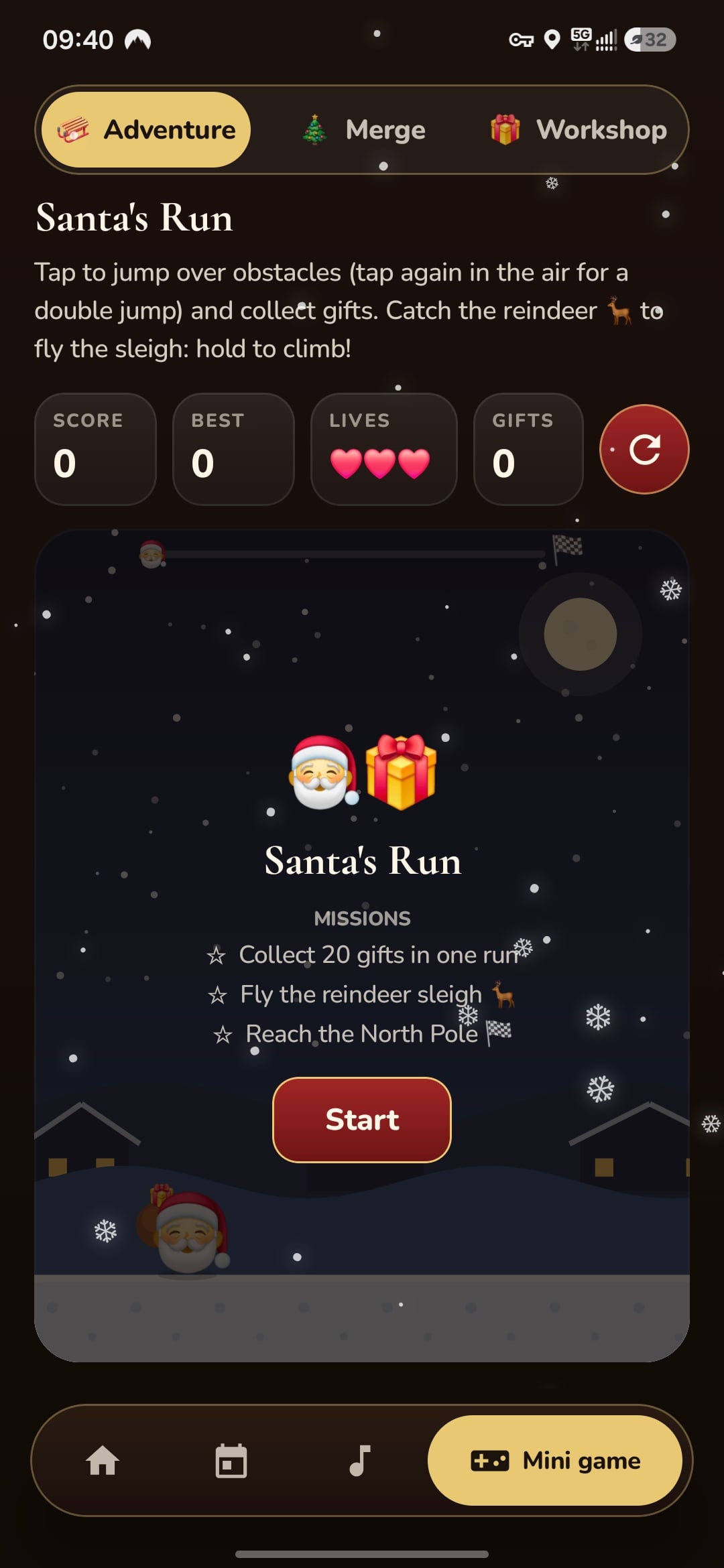
The app also includes a few games to play while you wait, like Santa's Run and a workshop merge game that plays a lot like Tetris. Both are much more fun than Candy Crush, so your whole family can enjoy an entertaining countdown.
Before you download this app, though, keep in mind that the app asks for data consent when you first open it. According to the Google Play Store, the app might collect device IDs but doesn't share data with third parties.
Unwrap a new phone before Santa does
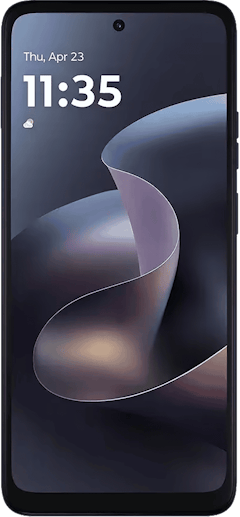
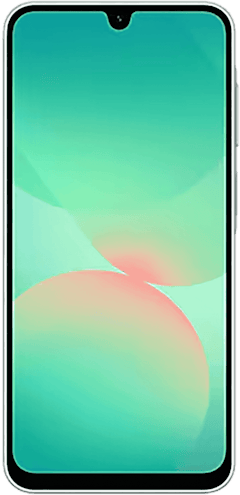
If you're already counting down the days until Christmas, you're probably also thinking about what's on your wish list this year. The holiday season is one of the best times to upgrade, since carriers often roll out their biggest deals on the latest Galaxy and iPhone models in the weeks leading up to Christmas. A new phone also gives your countdown app a bigger, brighter screen, so the falling snow and Christmas scenes look even better every time you check how many days are left.
Check out the latest holiday phone deals before Santa makes his rounds.
- 6.7 inch display
- Rear Cameras: 50MP, 2MP
- Front Camera: 16MP
- 6.7 inch display
- Rear Cameras: 50MP, 2MP
- Front Camera: 32MP
- 6.7 inch display
- Rear Cameras: 50MP, 8MP, 2MP
- Front Camera: 13MP

 How I tested the best Christmas countdown apps
I tested Christmas Countdown (2026) and Christmas Countdown! on my iPhone 11 and Christmas Countdown: Daysie on my Samsung Galaxy S24 FE, including:
- Which units each app offered, from days and seconds to sleeps, heartbeats, and breaths
- Every character, scene, snow setting, and custom image option available in each app
- Music options (and whether you can turn it off)
- Where ads appear on the screen and how often full-screen ads interrupt the countdown
- Privacy labels and data collection
Best Christmas countdown apps: FAQ
What is the best Christmas countdown app?
For most iPhone users, the best Christmas countdown app is Christmas Countdown (2026). It lets you customize the snow, characters, and music, and it includes a daily advent calendar starting December 1. Christmas Countdown: Daysie is the best option for Android users.
Can you start a Christmas countdown before December?
Yes, you can start a Christmas countdown before December with any of the apps on this list. Unlike most advent calendars, which only cover December, these apps count down to Christmas from any day of the year. I usually start my countdown right after Halloween!
Can you count down to Christmas in sleeps?
Yes, you can count down to Christmas in sleeps with Christmas Countdown!. The app also counts down in weeks, hours, minutes, seconds, heartbeats, or breaths, or it can show every unit at once.
Which Christmas countdown app works on Android?
The Christmas countdown app on this list that works on Android is Christmas Countdown: Daysie. It shows the countdown over realistic Christmas scenes and keeps ads off the main countdown screen.
Are Christmas countdown apps safe for kids?
Christmas countdown apps are generally safe for kids, but you should check the privacy label before you download one. Christmas Countdown (2026) reports that it doesn't collect any data, while Christmas Countdown! may track location and usage data across other apps.
Why you can trust WhistleOut
.svg)
15+
years of mobile industry experience

900+
published wireless guides

35+
firsthand carrier reviews
We've been around since the birth of the iPhone. Along the way, we've learned how to spot the best deals for your wallet (and your sanity). We spend our days researching informative guides and writing insightful reviews on every kind of wireless plan, distinguishing what matters from what doesn't. We played around with these plans before recommending them, ensuring they're worth your hard-earned money.
Want to know more? Check out how we review every cell phone plan we rank.
Jessica Santero
Staff Writer

Thousands of cell phone plans unpacked. All the facts. No surprises.
Related Articles


Related Topics
Seasonal FeaturedPopular Topics
Featured App Reviews iOS News Coverage Device Reviews Device Explainers Carrier Explainers App Roundups T-Mobile


